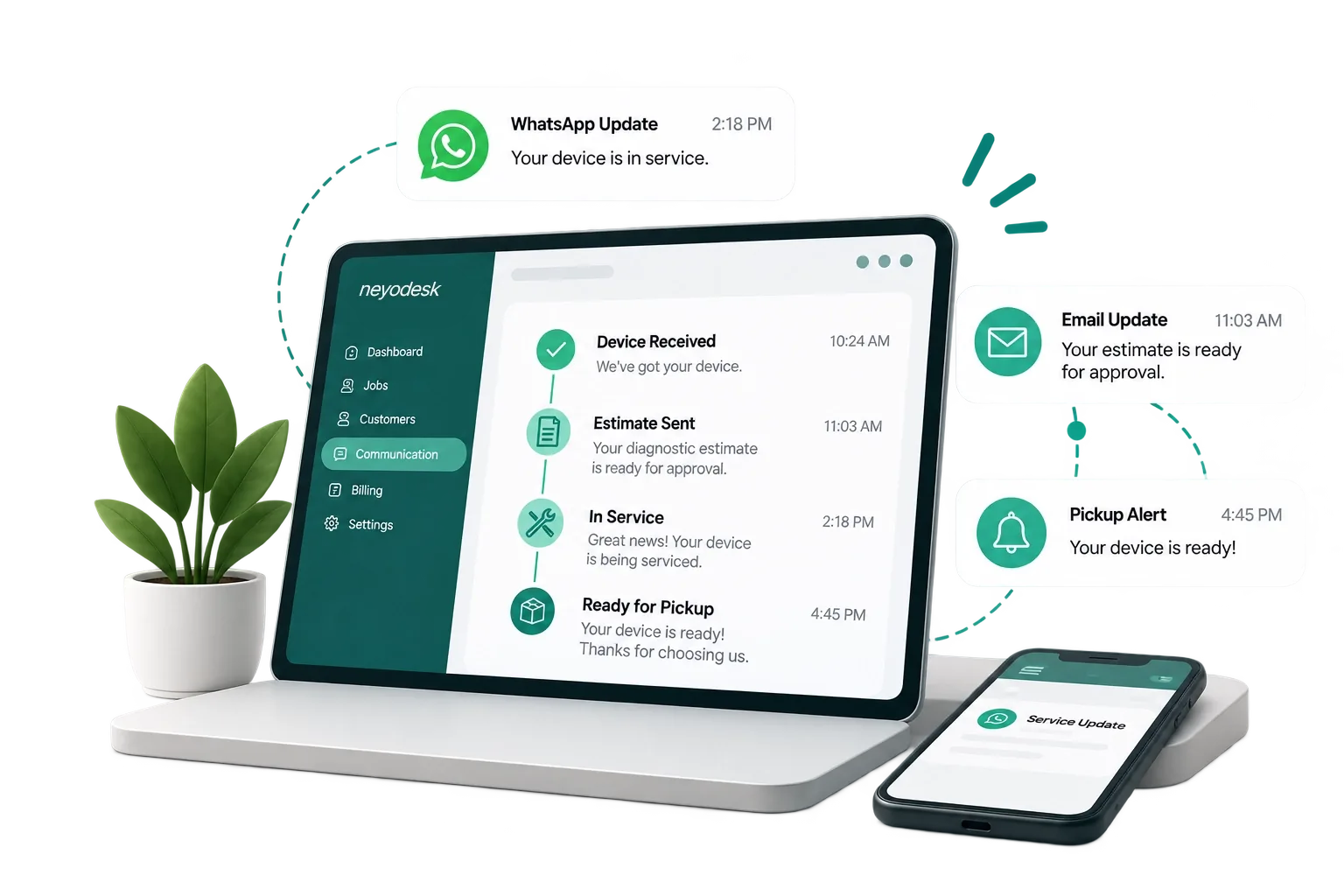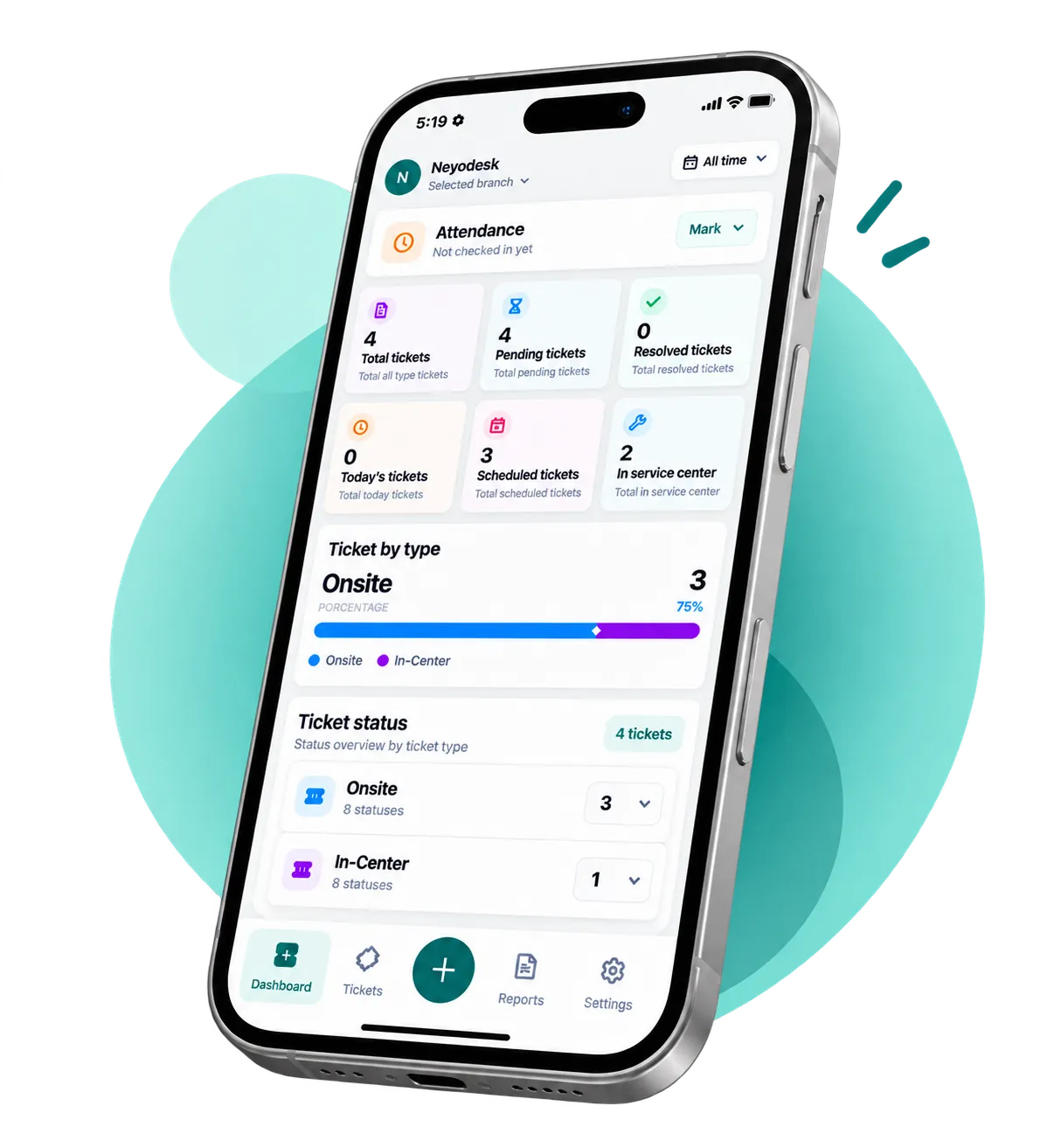
Track repair tickets, assign technicians, issue barcodes, and automate WhatsApp updates. All in one clean, lightning-fast workspace.
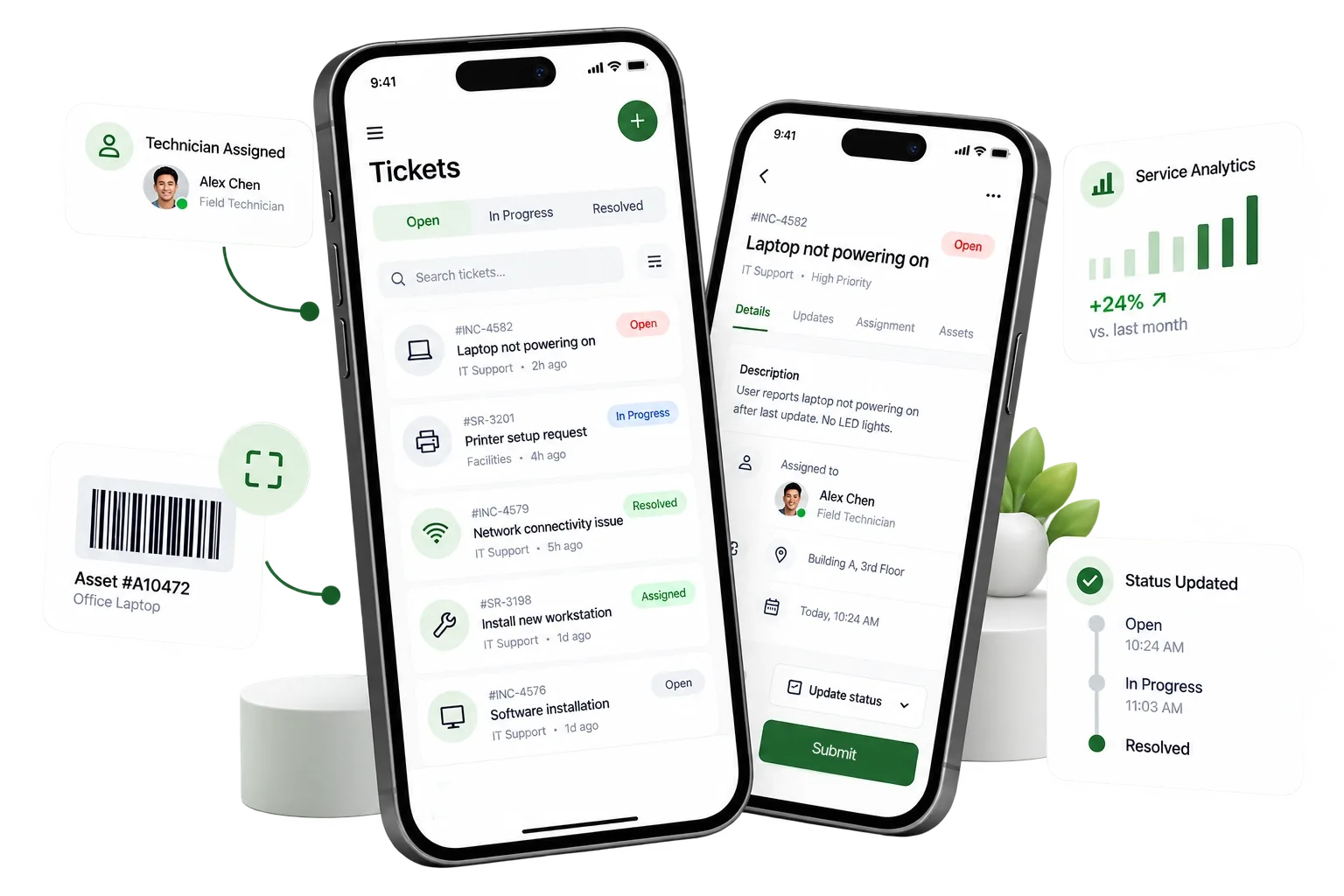
Download the Neyodesk mobile companion app for iOS and Android. Assign technicians, update ticket statuses, print barcode labels, and send automated client updates on the go.
Neyodesk's custom ticketing fields, status rules, and auto-replies adapt instantly to any service workspace.
Whether you operate a single phone repair booth or a nationwide multi-branch operation, Neyodesk adapts to your workflow.
Check in devices instantly, log specifications and IMEI, and upload diagnostic images directly to the repair ticket record.
Keep customers updated automatically via email or WhatsApp notifications, and set up auto-replies to let customers check active status via message.
Coordinate motherboard diagnostic workflows, liquid damage cleanup, and screen refits.
Route tickets to specialized bench technicians, customize ticket status steps, and record diagnostic logs directly.
Configure standard repair services and pricing options for console repairs, calibration tasks, and micro-soldering.
Define specific ticket types for different repairs and assign pre-repair checklist rules.
Coordinate IT customer service logs, manage field technician dispatch assignments, and monitor SLA compliance timers.
Compile customer estimates into clean, simple generated bills with client authorization rules.
Control service operations across multiple locations under a single dashboard.
Assign user permissions (admin, center manager, tech) and pull unified billing and workload diagnostics reports globally.
Generate and print tracking labels for any repair job. Link stickers directly to tickets, assign storage shelves, and scan using a phone or barcode scanner to retrieve records instantly.
A comprehensive suite of powerful tools designed specifically for hardware repair technicians and business owners.
Create and track repair tickets from diagnostic to pickup. Select custom ticket types and monitor progress updates live.
Configure presets for service types and flat rates. Manage technician diagnostic queues at individual service centers.
Log device serial numbers, specs, and pre-check status. Upload diagnostic images directly to the ticket to record pre-repair condition.
Compile diagnostics labor and parts estimates into clean, simple invoices. Accept online client authorization before starting work.
Distribute workload efficiently. Route ticket tasks directly to specific workbench technicians based on specialties.
Send automated email updates and status changes. Connect customers via direct WhatsApp messaging links.
Free up front-desk calls. Setup auto-responses to let customers check live repair ticket status via automated WhatsApp chat commands.
Track shop margins, labor billing tallies, tax allocations, and technician diagnostic output in clean spreadsheets.
Control operations. Define roles (admin, manager, tech) and coordinate ticket queues across multiple branches.
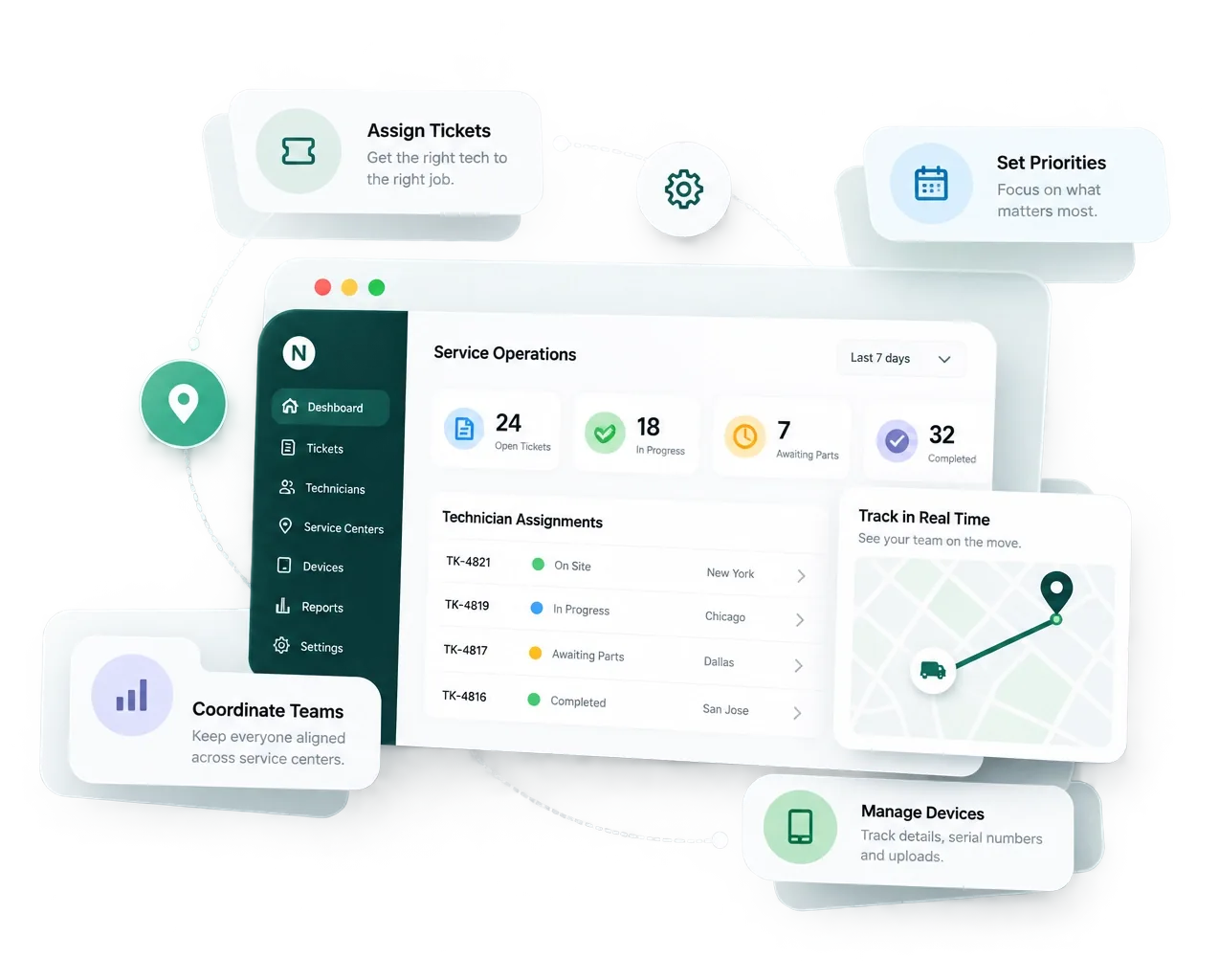
Manage ticketing, simple billing, automated updates, and technician schedules from a single, unified, clutter-free screen.
View every repair job in a clean, filterable pipeline. Filter by status (awaiting parts, diagnostic, completed), urgency, or technician with a single click.
From check-in to hand-over, Neyodesk structures your business operations to keep customers happy and technicians productive.
Log the device details, serial numbers, and customer complaints in seconds. Print a barcode label and instantly send a receipt via WhatsApp to the client.
Assign the ticket to a specialized technician. The tech runs diagnostic tests, lists required replacement parts, and logs labor hours.
Neyodesk sends an itemized estimate straight to the client via WhatsApp. The client clicks to approve or request changes digitally.
With parts linked and approved, the technician completes the repair. A second team member performs a quality check and marks the ticket as done.
An automated WhatsApp notification alerts the customer that the repair is complete. They can view billing details, pay online or at the counter, and collect their device.
Eliminate loose paperwork, sticky notes, and customer communication friction. Run your entire business from one screen.
No unnecessary fields, no bloat. Neyodesk focuses entirely on the actions that save technicians time and reduce human error.
With instant, automatic status updates sent directly to customer phones via WhatsApp, you eliminate incoming status inquiry calls by up to 70%.
From a single-technician workbench to a regional franchise with multiple branches, manage service centers and staff permissions seamlessly.
100% cloud-hosted with automatic backups. Access your tickets, service orders, and billing reports securely from any mobile or desktop web browser.
Reduce phone queries by 70%. Neyodesk automatically creates a unique private tracking link for every service ticket, keeping your customers in the loop from check-in to checkout.
Choose the plan that fits your repair shop. Start free, cancel anytime.
Got questions about Neyodesk? We have answers. If you need additional help, feel free to contact our support.
Yes. Neyodesk is designed for mobile phone, laptop, computer, electronics, appliance, and other repair service centers. Whether you operate a single shop or multiple branches, Neyodesk helps streamline your entire repair process.
Absolutely. Neyodesk automatically sends repair updates, estimates, invoices, and completion notifications via WhatsApp, email, and push notifications, keeping your customers informed every step of the way.
Yes. You can create multiple user accounts with customizable roles and permissions. Control access for receptionists, technicians, managers, and administrators to ensure secure and efficient operations.
Yes. Neyodesk is available on both desktop and mobile devices, allowing you and your technicians to manage repair tickets, update job statuses, and stay connected from anywhere.
Yes. You can start with a free trial to explore Neyodesk's features and see how it simplifies your repair business before choosing a subscription plan. No credit card is required to get started.
Join thousands of professional repair technicians who trust Neyodesk to manage their repair tickets, technician workflows, billing, and automated customer updates.
Start Free TrialNo credit card required. Cancel anytime.