
B2B Client Management
Manage corporate printer fleet service contracts and bulk repair batches.
From inkjet head cleanings to laser printer fuser replacements, Neyodesk gives printer repair technicians a straightforward system to manage jobs and communicate with clients.
14 days. Full access. No card required.Manage corporate printer fleet service contracts and bulk repair batches.
Log fusers, rollers, and ink systems ordered per repair ticket.
Schedule and track periodic maintenance visits for copier and MFP clients.
Create professional reports for corporate clients documenting completed service.
Common questions about managing Printer Repair repairs, technician assignment, customer updates, and billing with Neyodesk.
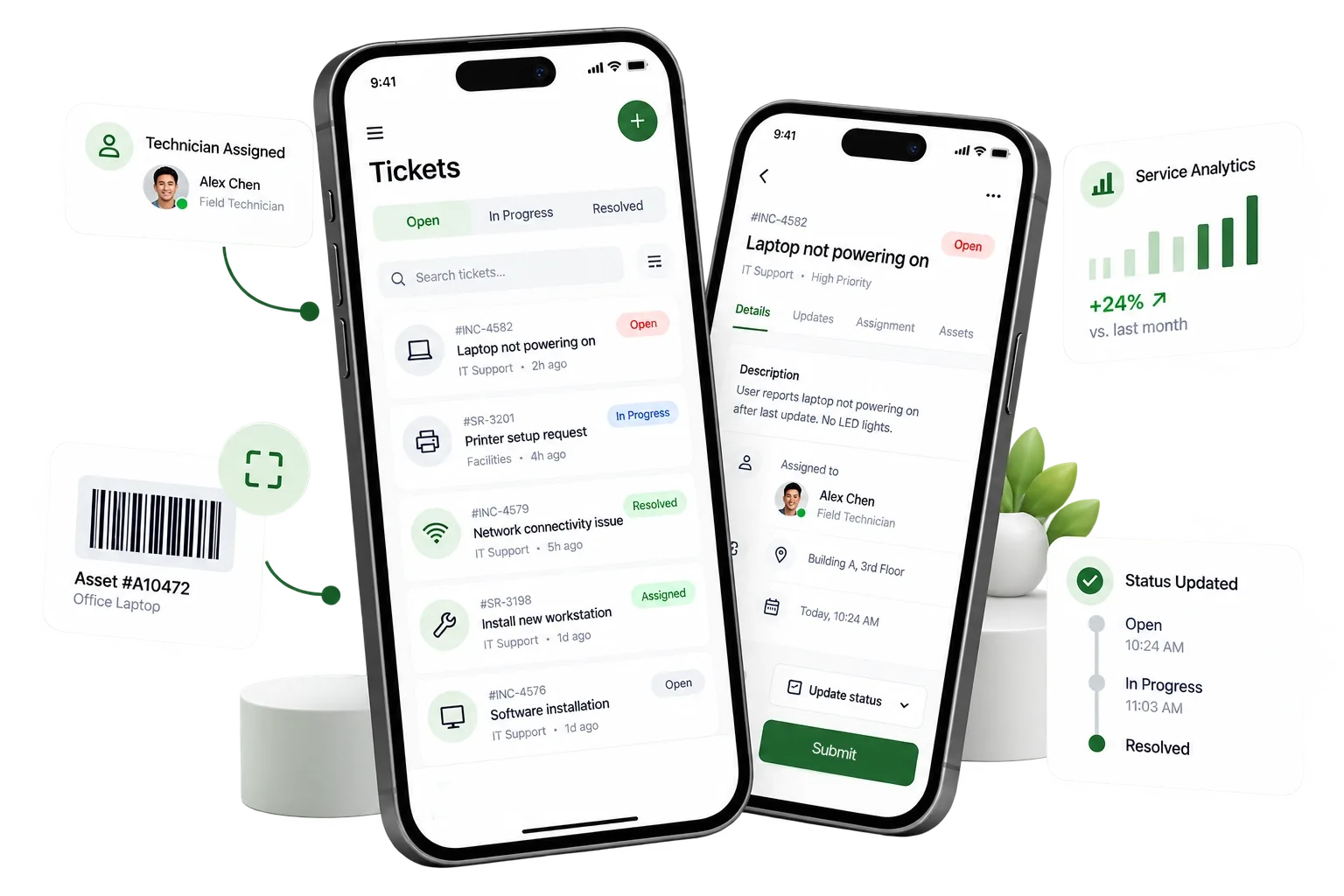
Neyodesk provides an end-to-end service workspace tailored for Printer Repair businesses, covering ticket creation, technician assignments, customer status alerts, and invoicing in one platform.
Yes. Neyodesk sends automated WhatsApp and email notifications as jobs move through diagnosis, in-progress, and completed stages, keeping clients informed without manual calls.
Yes. Manage multiple service centers or branches under one account with flat per-branch pricing, unlimited staff users, and integrated mobile attendance tracking.
You can start immediately with our 14-day free trial. Setup takes only a few minutes with no credit card required, allowing you to configure custom job types and start tracking tickets right away.
Track jobs, update customers and grow your business with one connected workspace.
Get Started Free