
Fast Intake Workflow
Log device model, serial number, fault description, and customer details in seconds.
Neyodesk helps laptop and tablet repair centres manage screen replacements, keyboard repairs, and water damage jobs with fast intake, barcode tracking, and automated client updates.
14 days. Full access. No card required.Log device model, serial number, fault description, and customer details in seconds.
Print intake labels for every device to eliminate storage mix-ups.
Attach detailed technician findings and multi-photo proof to each ticket.
Auto-send WhatsApp messages at every repair stage for professional communication.
Common questions about managing Laptop & Tablet repairs, technician assignment, customer updates, and billing with Neyodesk.
Neyodesk provides an end-to-end service workspace tailored for Laptop & Tablet businesses, covering ticket creation, technician assignments, customer status alerts, and invoicing in one platform.
Yes. Neyodesk sends automated WhatsApp and email notifications as jobs move through diagnosis, in-progress, and completed stages, keeping clients informed without manual calls.
Yes. Manage multiple service centers or branches under one account with flat per-branch pricing, unlimited staff users, and integrated mobile attendance tracking.
You can start immediately with our 14-day free trial. Setup takes only a few minutes with no credit card required, allowing you to configure custom job types and start tracking tickets right away.
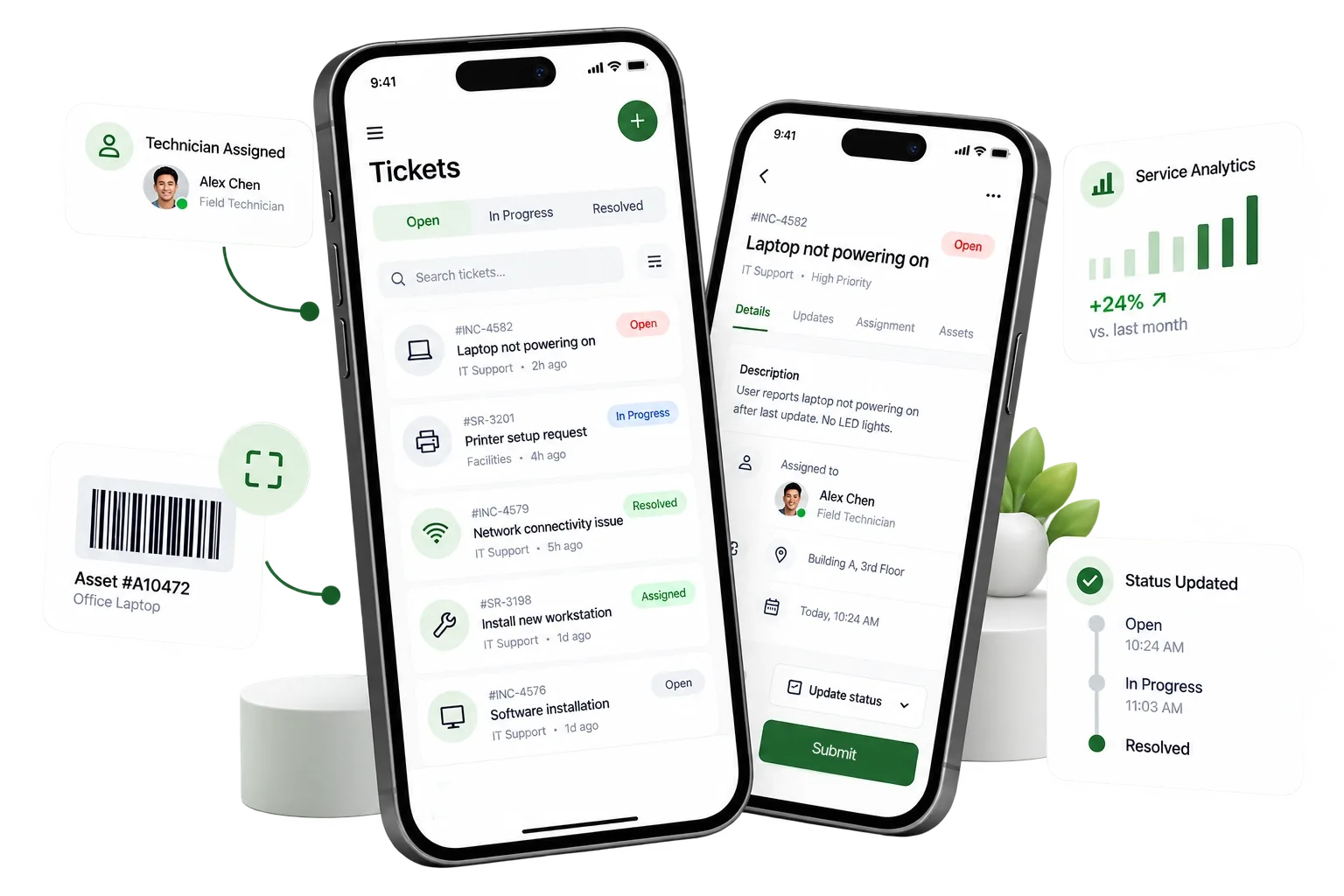
Track jobs, update customers and grow your business with one connected workspace.
Get Started Free